Prepare
Create projects and sites, import each floor, set scale, place APs, and assign people.
Prepare sites on the web, survey with your mobile device, and turn deliberate test points into coverage decisions your team can trust.
No credit card required for the evaluation site.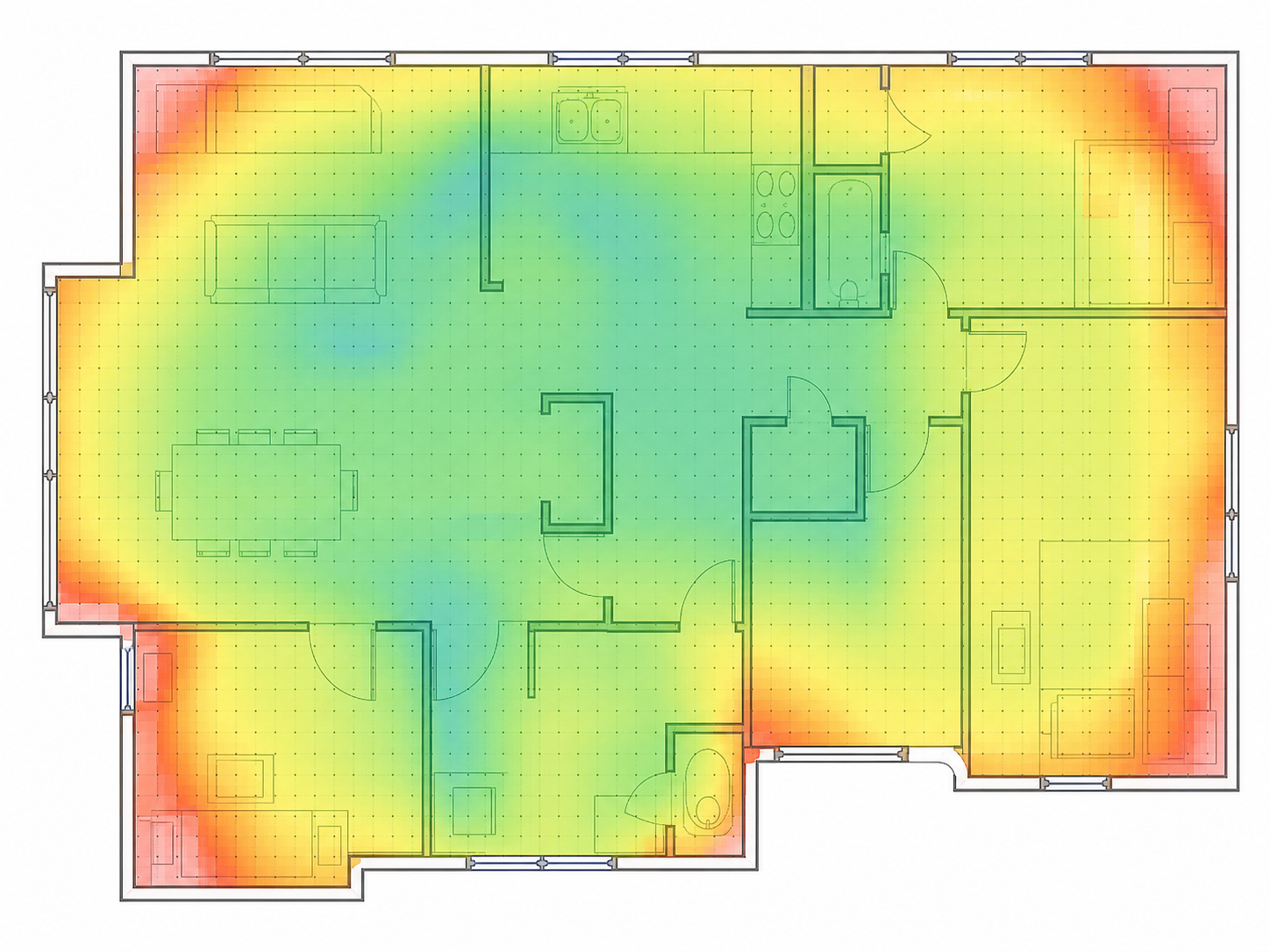 AP 1AP 2
Tap where you are standing
Setup stays on the web. The mobile companion stays focused on the survey.
Create projects and sites, import each floor, set scale, place APs, and assign people.
Open assigned work, tap where you stand, capture supported Wi-Fi readings, and sync securely.
Filter computed layers, compare visits, inspect raw observations, and export a report.
Filter measured signal by BSSID and band. Unsampled areas stay visibly uncertain; completed observations remain immutable.
Start with a real question. Keep the measurements, floor and follow-up connected.
Investigate the room or workstation where the connection falls short. Compare deliberate positions instead of guessing from a signal icon.
Read the guideKeep a baseline, repeat the same points and understand what changed after an access-point adjustment.
Read the guideGive your team a floor, traceable observations and a focused next step in a readable report.
Read the guidePractical guides for your first walkthrough and your next investigation.
Plan a repeatable Wi-Fi site survey, prepare a floor plan, collect deliberate measurements and turn the results into a useful next step.
Read the legend, inspect survey points and distinguish measured signal from the estimated areas between observations.
Use a reference point, a repeatable route and targeted measurements to investigate rooms where Wi-Fi does not work as expected.